

Download ApHeMo – Apache web server testing, server security tool, vulnerability scanner, web server monitoring, error message analyzer
Overview
ApHeMo is a focused mobile utility designed for monitoring and testing Apache web servers. Its primary purpose is to assist users in identifying error messages and potential vulnerabilities within their server environments. By providing real-time visibility into system weaknesses, ApHeMo enables users to take timely action to prevent exploitation. This tool is particularly relevant for individuals managing web infrastructure who need a lightweight, on-the-go solution for server health checks.
The app targets system administrators, web developers, and IT professionals responsible for maintaining Apache-based web environments. These users often require quick diagnostics to assess server integrity, especially when working remotely or under time-sensitive conditions. ApHeMo serves as a supplemental diagnostic aid, allowing for rapid scanning and immediate feedback on server status.
Although the developer did not provide additional technical details about the background or experience behind ApHeMo, the app’s functionality suggests a targeted focus on server security and diagnostics. It is not a full-featured management platform but rather a specialized tool for vulnerability detection and error analysis. In the broader app ecosystem, ApHeMo fills a niche for mobile-based server monitoring, offering a streamlined alternative to desktop tools for users seeking portability and simplicity.
Real-world use cases include pre-deployment server checks, post-incident assessments, and routine security audits. The ability to review error logs and vulnerability indicators directly from a mobile device enhances operational flexibility, especially in field or emergency scenarios.
Key Features & Functionality
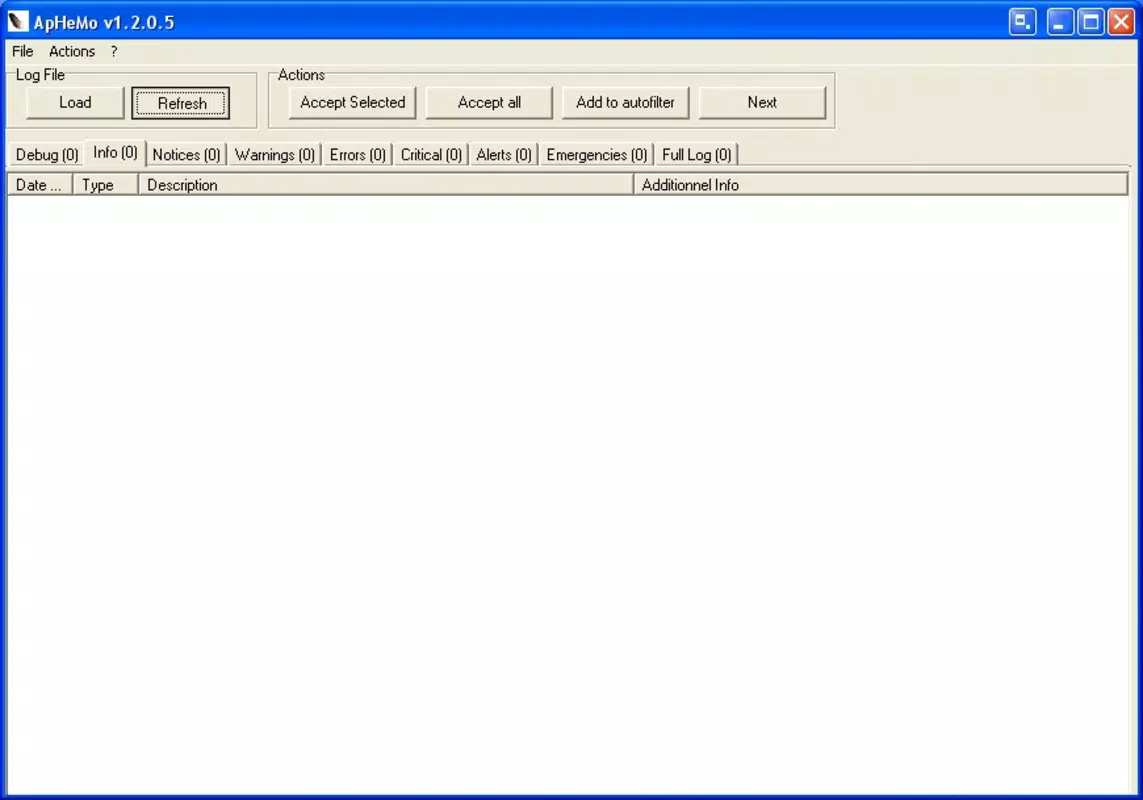
- User-Friendly Interface: ApHeMo features a clean layout with options presented as clearly labeled buttons. This design reduces cognitive load, allowing users to quickly access diagnostic functions without needing prior training or technical documentation.
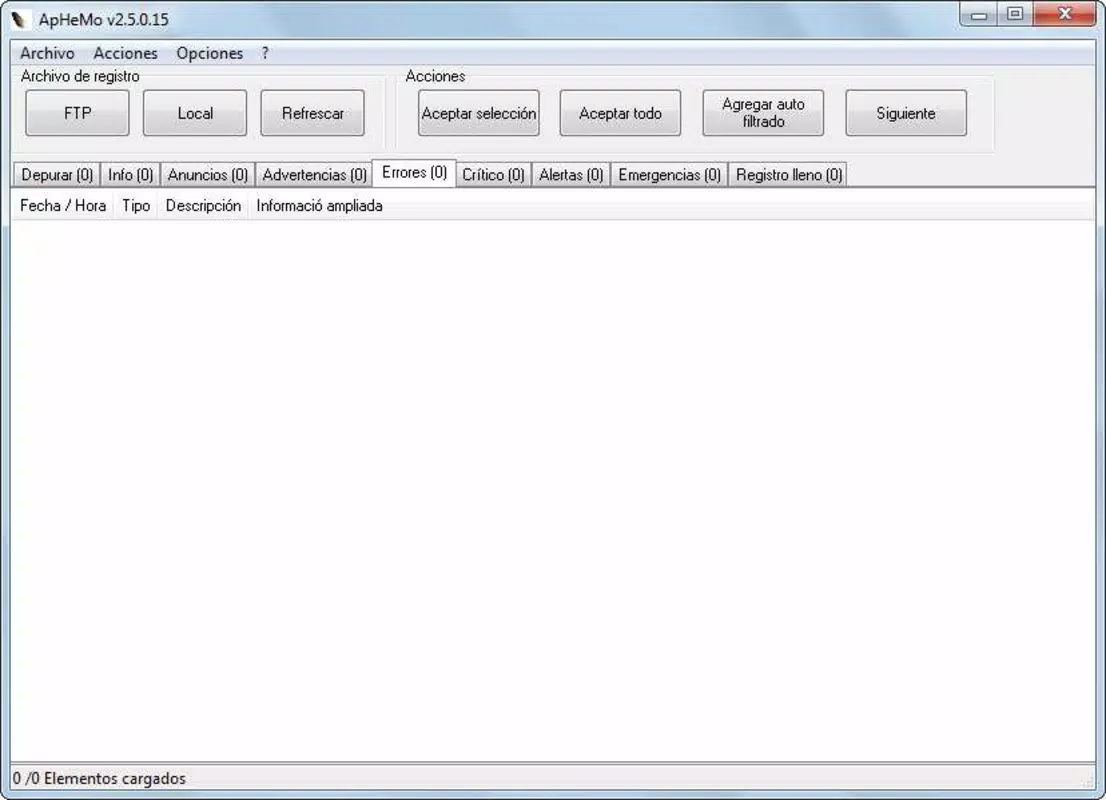
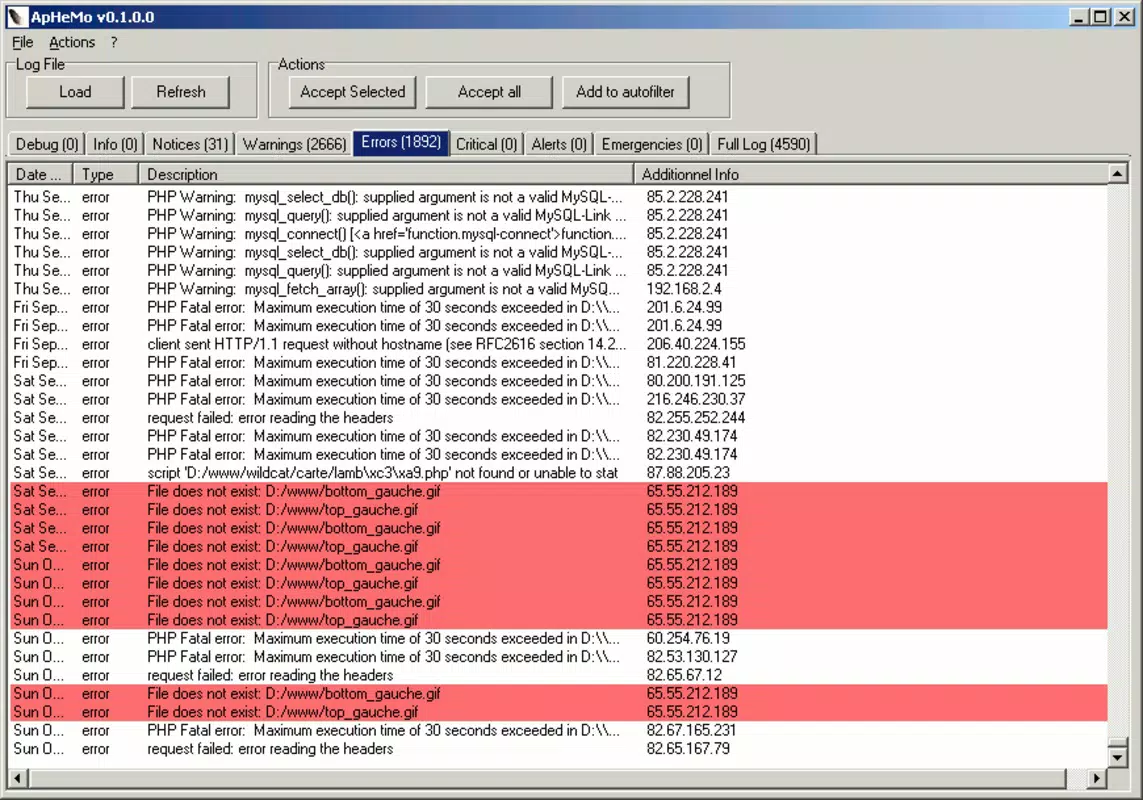
- Error Message Overview: The app displays a consolidated list of error messages and potential vulnerabilities in a large, scrollable text box. This centralized view enables users to review, prioritize, and address issues systematically, improving troubleshooting efficiency.
- Vulnerability Identification: ApHeMo actively scans for known weaknesses in Apache server configurations. By highlighting areas at risk, it supports proactive security measures, helping users reinforce defenses before attacks occur.
- System Testing Capability: Users can initiate active tests on their Apache servers through the app. This functionality allows for real-time assessment of server resilience and helps verify whether security patches or configuration changes have been effective.
- Comprehensive Protection Focus: While not a firewall or intrusion detection system, ApHeMo is designed to contribute to a layered security strategy. Its role is to detect and report vulnerabilities, empowering users to close gaps and strengthen server integrity.
For example, a developer preparing to deploy a new web application could use ApHeMo to scan the server environment before launch, ensuring no misconfigurations exist. Similarly, an administrator responding to a security alert might use the app to quickly review error logs and identify the root cause of a potential breach.
Interface, UX & Performance
ApHeMo presents a minimalistic interface with a focus on functionality over visual flair. The layout is structured around large, clearly labeled buttons that serve as primary navigation points. This design choice enhances usability, particularly for users who need to operate the app under pressure or in low-visibility conditions.
Navigational flow is linear and intuitive—users select a function, wait for results, and review the output in a dedicated text area. There are no complex menus or hidden settings, which reduces the risk of user error and supports rapid task completion.
Although the developer did not list formal performance metrics, the app’s file size of 4.5 MB suggests it is optimized for efficiency. It is expected to load quickly and operate smoothly on a range of Android devices, including mid-tier and older models. Responsiveness appears consistent based on the app’s purpose, as it relies primarily on local processing and network communication with the target server.
Stability is implied by the app’s focused scope. With no reported crashes or bugs in public disclosures, it is reasonable to assume the app maintains reliable operation during standard use. However, specific compatibility with device categories or screen sizes was not disclosed.
Platform Compatibility & Technical Requirements
ApHeMo is available exclusively on the Android platform. The app is designed to run on Android operating systems, though specific version requirements were not listed by the developer. This may indicate compatibility with a broad range of Android versions, but users should verify system compatibility before installation.
The app has a file size of 4.5 MB, which is compact and suitable for devices with limited storage. This small footprint supports quick downloads and minimal impact on device performance.
Since the developer did not specify minimum OS requirements or hardware specifications, users are advised to ensure their device meets general Android standards for app execution. Compatibility with iOS or other platforms was not mentioned, so cross-platform availability cannot be confirmed.
Pros and Cons
Pros
- Lightweight design with a small file size of 4.5 MB
- Intuitive interface suitable for both novice and experienced users
- Direct access to error messages and vulnerability indicators
- Supports on-the-go server diagnostics and testing
- Free to download and use with no in-app purchases
Cons
- Specific OS version requirements were not disclosed
- Platform availability is limited to Android only
- No public information on update frequency or developer support
- Functionality is limited to Apache server diagnostics
- Does not include real-time alerting or automated reporting
FAQ
Is ApHeMo available for iOS devices?
The developer did not indicate iOS compatibility. Currently, ApHeMo is only available on the Android platform.
Does ApHeMo require internet access to function?
Yes, the app requires network connectivity to communicate with the target Apache server. It cannot operate without a connection to the server being tested.
Can ApHeMo detect all types of server vulnerabilities?
ApHeMo focuses on identifying known error messages and common configuration weaknesses in Apache servers. It does not claim to detect every possible vulnerability.
Is ApHeMo safe to install on my Android device?
ApHeMo is free and available through official channels. As with any app, users should ensure they download from trusted sources to maintain device security.
How often should I update ApHeMo?
The developer did not specify update frequency. Users are advised to check for updates regularly through the app store or official website.
Final Thoughts + CTA
ApHeMo stands out as a specialized tool for Apache server administrators who need a mobile-friendly way to monitor and test their web environments. Its lightweight design, straightforward interface, and focus on vulnerability detection make it a practical addition to a security toolkit. While it lacks advanced features like automated reporting or cross-platform support, its core functionality is reliable and purpose-built.
Users who manage Apache servers and value quick, accessible diagnostics will benefit most from ApHeMo. Whether used for routine checks or urgent troubleshooting, the app delivers tangible value in a compact package. For those seeking a secure, free, and efficient way to monitor server health from their smartphone, ApHeMo offers a compelling solution.
Download ApHeMo now


